
NAS vs Server: What's the Difference and Which Do You Need?
23rd Jun 2026
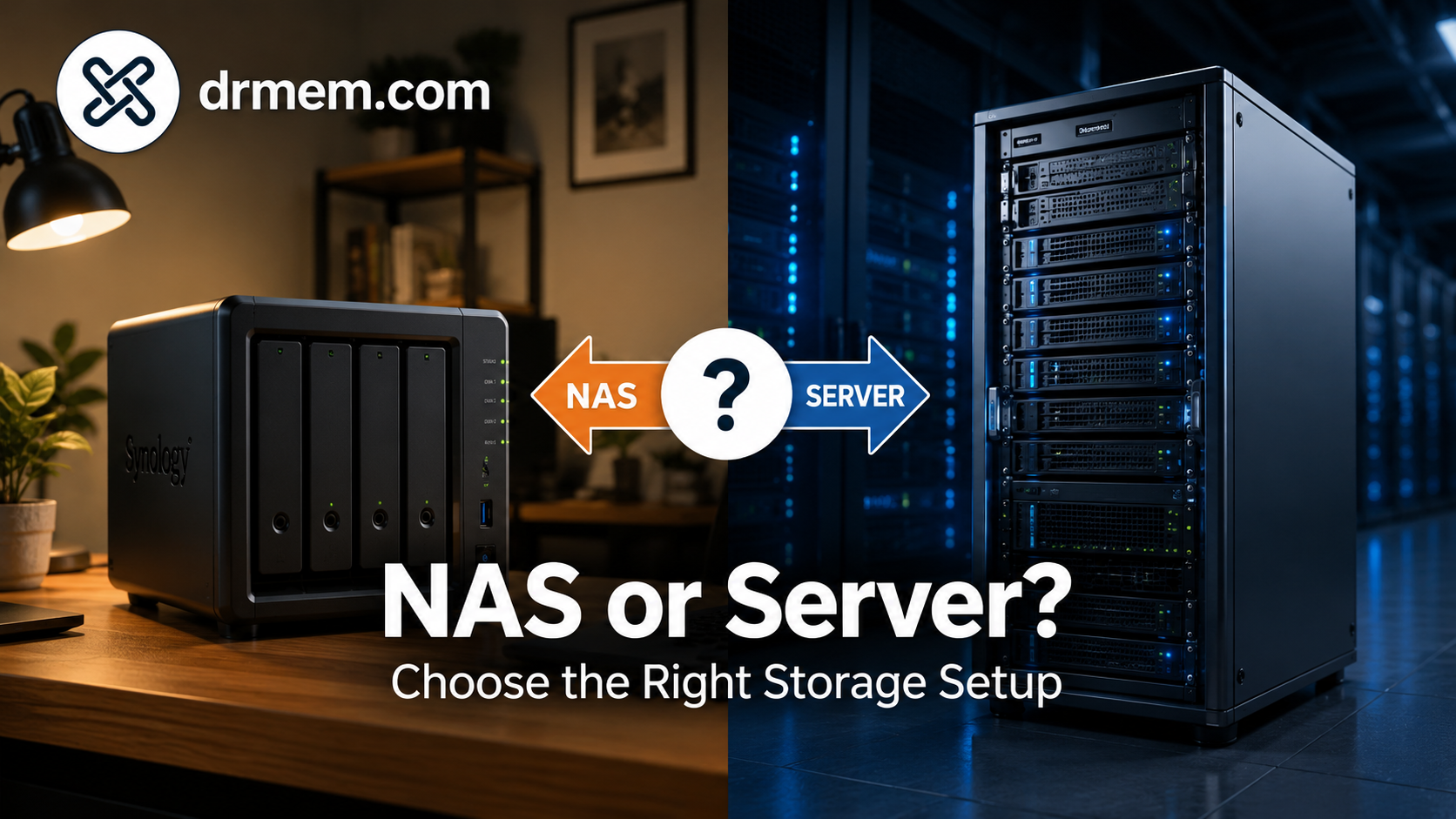
NAS vs Server: What's the Difference and Which Do You Need?
If you need shared storage for a home, office, studio, school, or small business, two options usually come up first: a NAS or a server. They can look similar from the outside because both can store files, share data across a network, and help with backups. Under the surface, though, they are built for different jobs.
The short version is this: a NAS is usually the easiest way to add centralised file storage, while a server is better when you need more power, more control, more software flexibility, or more than just storage. In this guide, we explain the difference between NAS and server hardware, where each one makes sense, and how to choose the right option without overspending.
What Is a NAS?
NAS stands for Network Attached Storage. It is a storage device connected to your network so multiple people and devices can access files from one central place.
A NAS is usually designed to be simple. It often comes as a small box with two, four, six, or more drive bays. You add hard drives or SSDs, connect it to your router or network switch, set up users and folders, then use it for shared files, backups, media libraries, CCTV storage, or team documents.
A NAS is especially useful for:
- central file storage for a home or small office
- backing up laptops, desktops, and phones
- sharing files between Windows, macOS, and mobile devices
- storing photos, video, music, and project archives
- running lightweight apps such as media streaming or sync tools
Think of a NAS as a dedicated storage appliance. It can do more than file sharing, but storage is still its main job.
What Is a Server?
A server is a computer built to provide services to other devices on a network. Storage can be one of those services, but a server can also run applications, databases, virtual machines, websites, accounting systems, remote desktop services, backup software, email tools, media servers, security software, and more.
Servers come in several forms. A small business might use a tower server, a compact workstation, or a refurbished desktop acting as a server. Larger environments may use rack servers with hot-swap drives, redundant power supplies, enterprise CPUs, ECC memory, and remote management features.
A server is especially useful for:
- running business software or internal applications
- hosting databases, virtual machines, or development environments
- managing users, permissions, and shared resources
- supporting multiple departments, sites, or heavier workloads
- combining storage with compute power in one system
Think of a server as a general-purpose network workhorse. It can be used for storage, but it is not limited to storage.
NAS vs Server at a Glance
|
Factor |
NAS |
Server |
|
Main Purpose |
Shared storage and backups |
Storage, applications, services, and compute workloads |
|
Ease of Setup |
Usually easier, with a guided web interface |
More flexible, but usually needs more technical setup |
|
Performance |
Good for file access and backups |
Can be much stronger for heavy users, apps, and virtual machines |
|
Upgrade Options |
Often limited to drives and sometimes RAM/network cards |
Wider upgrade options for CPU, RAM, storage, RAID, networking, and GPUs |
|
Power Use |
Usually lower |
Usually higher, depending on hardware |
|
Best For |
Homes, small teams, file storage, backups, media libraries |
Businesses, technical users, apps, virtualisation, heavier storage and compute |
The Biggest Difference: Storage Appliance vs Flexible Computer
The easiest way to understand the difference is to look at the job each one is designed to do.
A NAS is a storage appliance. It is built to make shared storage simple. Most NAS systems have a friendly interface for creating users, folders, permissions, backup jobs, and RAID storage pools. You do not usually need to install a full operating system or build everything from scratch.
A server is a more flexible computer. You can install Windows Server, Linux, TrueNAS, Proxmox, VMware, or other server software depending on the job. That flexibility is powerful, but it also means more responsibility. You need to think about updates, security, users, services, backups, monitoring, and recovery.
If you mainly need a central place for files, a NAS keeps things tidy. If you need storage plus serious software capability, a server gives you more room to grow.
When a NAS Is the Better Choice
A NAS is often the best choice when you want reliable shared storage without turning the project into a full IT build.
Choose a NAS if you need:
- Simple shared folders: Give family members, staff, or team members access to the files they need.
- Central backups: Back up laptops, desktops, and important documents to one place.
- Media storage: Store photos, videos, music, and films on your local network.
- Lower power use: NAS units are often efficient enough to run all day.
- Less maintenance: A NAS usually has fewer moving parts in the software setup.
For many homes and small offices, a two-bay or four-bay NAS is enough. A two-bay model is a good starter option for mirrored storage, while a four-bay model gives more capacity and more flexible RAID options.
When a Server Is the Better Choice
A server makes more sense when storage is only one part of the job. If you need to run software, support multiple users, host internal tools, or build a more advanced backup and virtualisation setup, a server is usually the stronger choice.
Choose a server if you need:
- More processing power: Useful for databases, virtual machines, media transcoding, and business applications.
- More memory: Servers can often support far more RAM than a NAS.
- Advanced storage: More drive bays, RAID controllers, hot-swap drives, and enterprise storage options.
- Virtualisation: Run several systems or services on one physical machine.
- Business growth: Add roles and services as your team expands.
If you are building a more serious setup, browse servers, enterprise hard drives, and server memory to compare upgrade options.
Performance: Which One Is Faster?
For basic file sharing, a good NAS can feel perfectly fast. On a normal Gigabit network, many users will hit the network limit before they hit the storage limit, especially when moving large files. For documents, photos, office files, backups, and media storage, that is usually fine.
A server can be faster when the workload gets heavier. It may support more drives, faster processors, more RAM, SSD caching, dedicated RAID cards, 10GbE networking, and multiple users hitting the system at once. That matters for video editing teams, CAD files, large databases, virtual machines, or busy office environments.
In simple terms:
- For normal file storage, a NAS is usually fast enough.
- For demanding workloads, a server gives you more headroom.
- For either option, network speed matters. A slow network can make good storage feel slow.
Storage, RAID, and Backups
Both NAS devices and servers can use RAID, but RAID is often misunderstood. RAID can protect against a single drive failure, depending on the RAID level, but it is not the same as a backup.
A good storage setup should include:
- Redundancy: RAID 1, RAID 5, RAID 6, RAID 10, or equivalent storage pools to reduce downtime after a drive failure.
- Backups: A second copy of important data, ideally on another device or offsite.
- Versioning: Protection against accidental deletion, overwrites, or ransomware.
- Monitoring: Alerts when a drive starts failing or storage is running out.
If you only remember one thing, make it this: RAID is not a backup. A NAS or server can be part of a backup plan, but important files should still exist in more than one place.
Cost: Which Is Better Value?
A NAS often has the lower entry cost if your needs are straightforward. You buy the NAS unit, add drives, and you have a central storage system. The software is usually included, and the power cost is normally modest.
A server can cost more upfront, especially if you need enterprise drives, lots of RAM, redundant power, RAID hardware, or faster networking. However, a refurbished server or workstation can be excellent value if you need more capability than a NAS can offer.
Think about cost in three parts:
- Hardware cost: NAS enclosure or server chassis, drives, RAM, and network equipment.
- Running cost: Electricity, replacement drives, and maintenance time.
- Growth cost: How easy it is to add capacity, users, or services later.
The cheapest option today is not always the best value if you outgrow it in six months. If your storage needs are likely to grow quickly, plan for extra drive bays and network capacity from the start.
Power Use and Noise
NAS units are usually designed to run quietly and efficiently. That makes them a better fit for a home office, study, living room cupboard, or small workspace where noise matters.
Servers vary a lot. A small tower server or workstation can be reasonably quiet, while a rack server may be louder and better suited to a server room, workshop, comms cabinet, or garage. Rack hardware can be powerful and good value, but it is not always ideal beside your desk.
If noise and power use are major concerns, check the form factor before buying. A compact NAS or quiet tower server may be more practical than a high-performance rack server.
Security and Remote Access
Both NAS devices and servers can be accessed remotely, but remote access needs care. Opening storage directly to the internet without proper security is risky.
For safer remote access, consider:
- strong passwords and multi-factor authentication where available
- regular software and firmware updates
- VPN access instead of exposing file shares directly
- separate user accounts with only the permissions each person needs
- backup snapshots or versioning to recover from mistakes or malware
A NAS may be easier to configure for basic remote access. A server gives more control, but that control comes with more security responsibility.
Best Use Cases for a NAS
Home File Storage
A NAS is ideal if you want one shared location for family photos, documents, scans, school work, videos, and device backups. Everyone can access the same storage without passing USB drives around.
Small Office Shared Folders
For a small team that mainly needs shared folders and backups, a NAS can be simple and cost-effective. Create user accounts, set folder permissions, and keep important work files in one managed location.
Media Library
If you store a lot of video, photos, or music, a NAS gives you a central media library that can be accessed from multiple devices. Some NAS units can also run media server apps, although heavy transcoding may still favour a stronger server.
Best Use Cases for a Server
Business Applications
If your organisation uses software that needs a central machine, a server is the natural fit. This can include databases, accounting tools, stock systems, internal web tools, or remote desktop services.
Virtual Machines and Labs
A server is much better for virtualisation. If you want to run multiple operating systems, test environments, development tools, or isolated services, choose hardware with enough CPU cores, RAM, and storage performance.
Heavy Backup and Archive Storage
For larger teams, a server can combine high-capacity storage with backup software, retention policies, snapshots, and offsite replication. It can also grow into a wider IT platform as your needs change.
Can a Server Act Like a NAS?
Yes. A server can absolutely act as a NAS. With the right software, a server can provide shared folders, user permissions, RAID storage, snapshots, remote access, and backup targets.
This is a good option if you want NAS-style storage but need stronger hardware or more control. For example, a refurbished server running TrueNAS or a Linux file server can offer powerful storage features and excellent expandability.
The trade-off is that you need to be more comfortable with setup and maintenance. A dedicated NAS is usually easier. A server is usually more capable.
Can a NAS Act Like a Server?
Sometimes, but only up to a point. Many NAS devices can run apps for backups, media streaming, cloud sync, CCTV recording, containers, or lightweight virtual machines. That can be very useful.
However, a NAS is still limited by its processor, memory, cooling, and operating system. If you expect to run several demanding services, a proper server will age better.
What Specs Should You Look For?
For a NAS, focus on:
- number of drive bays
- supported maximum storage capacity
- network speed, ideally at least Gigabit Ethernet
- backup and snapshot features
- RAM upgrade options if you plan to run extra apps
For a server, focus on:
- CPU cores and generation
- RAM capacity and ECC support where required
- drive bay count and storage controller options
- network ports and upgrade options such as 10GbE
- noise, power draw, and physical size
- operating system compatibility
If you are buying refurbished, check drive health, warranty, memory capacity, and whether caddies, rails, power supplies, and network cards are included where needed.
Which One Should You Choose?
Choose a NAS if your priority is simple, reliable shared storage. It is the sensible route for many homes, freelancers, small offices, and teams that mainly need file sharing, backups, and media storage.
Choose a server if you need storage plus computing power. It is the better route for businesses, technical users, heavy media workflows, virtual machines, applications, databases, or anyone who wants more control and room to expand.
Bottom Line
A NAS and a server are not enemies. They simply solve different storage problems. A NAS is the straightforward answer when you want central storage that is easy to manage. A server is the stronger answer when you need storage, applications, users, permissions, and compute power in one flexible system.
For most light users, start with a NAS. For growing businesses, heavier workloads, virtualisation, or advanced backups, look at a server. And whichever route you choose, build the setup around proper backups, reliable drives, and enough room to grow.
Ready to compare hardware? Browse refurbished servers, enterprise hard drives, server memory, and workstations to build a storage setup that fits your space, budget, and workload.